Exora: Android focus app with enforced blocking and minimalist launcher
Exora: Focus. Win. Excel. by kit-ifms is an Android productivity app designed to reclaim attention from phone-based interruptions. It pairs a configurable Pomodoro timer with app and website blocking to protect concentrated work intervals and enforce session discipline. Key elements include a Minimalist Launcher, friction-delayed app opening, emergency pass, and post-session reflections to monitor trends. Students, professionals, and people with attention challenges benefit when they need strict, scheduled focus and clear accountability.
Exora is built as an accountability-first focus suite for deep work
The app defines focus as enforceable time blocks rather than optional reminders. It combines timed Pomodoro rhythms (focus, short-break, long-break) with blocking of apps and supported websites so sessions are protected from habitual checking. Progress is recorded after each session, and post-session reflections capture qualitative notes and trend data. This design targets sustained single-device work sessions where attention protection is the primary output.
The workflow structures recurring sessions and measurable productivity output
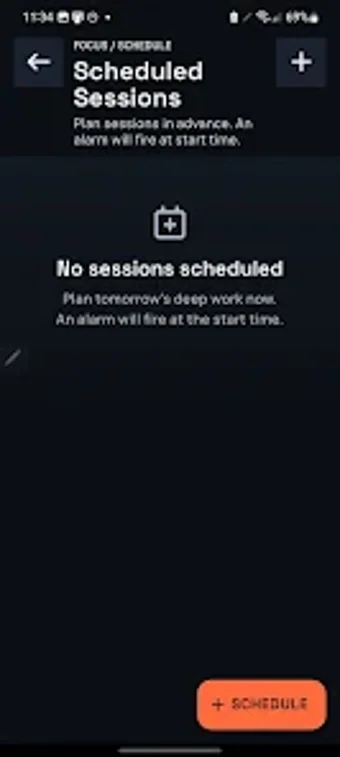
Workflow setup uses templates and rules to translate daily plans into repeatable sessions. Users can create recurring focus rules that apply on chosen days and times, set daily usage ceilings, and let the app enforce limits automatically. Session output is captured as quantitative metrics and reflective entries, which together provide a record of completed focus intervals and evolving habits that professionals can consult to measure consistency.
Blocking behavior applies deliberate friction to discourage impulsive access
Blocking is not passive here: the app inserts friction when a blocked app or site is opened, using delayed openings and a 'Hardcore' difficulty to prevent easy bypass. A Minimalist Launcher simplifies the home screen during sessions, and an Emergency Pass allows controlled override for urgent needs. These mechanisms rely on Android accessibility hooks to detect and intercept attempts to open restricted content.
Configuration and compatibility demand Android system access and some setup
Exora runs on Android and uses system-level accessibility features to operate, so initial setup asks for these permissions. That creates a short onboarding effort for users who must grant monitor-and-intercept access. Templates and sensible defaults reduce configuration time, but people who avoid granting AccessibilityService permissions or who need cross-device syncing may find the app’s single-device, Android-only scope limiting.
Exora is suited to committed users who accept strict device controls
Exora is a disciplined option for students and professionals who need enforced attention blocks and trackable session records. Its enforcement model rewards commitment but imposes a trade-off: it demands system-level permissions and a readiness to accept strict interruption barriers. Those seeking gentle reminders or multi-device continuity should consider alternatives; for single-device, schedule-driven focus, Exora fits the brief.